
TV guide
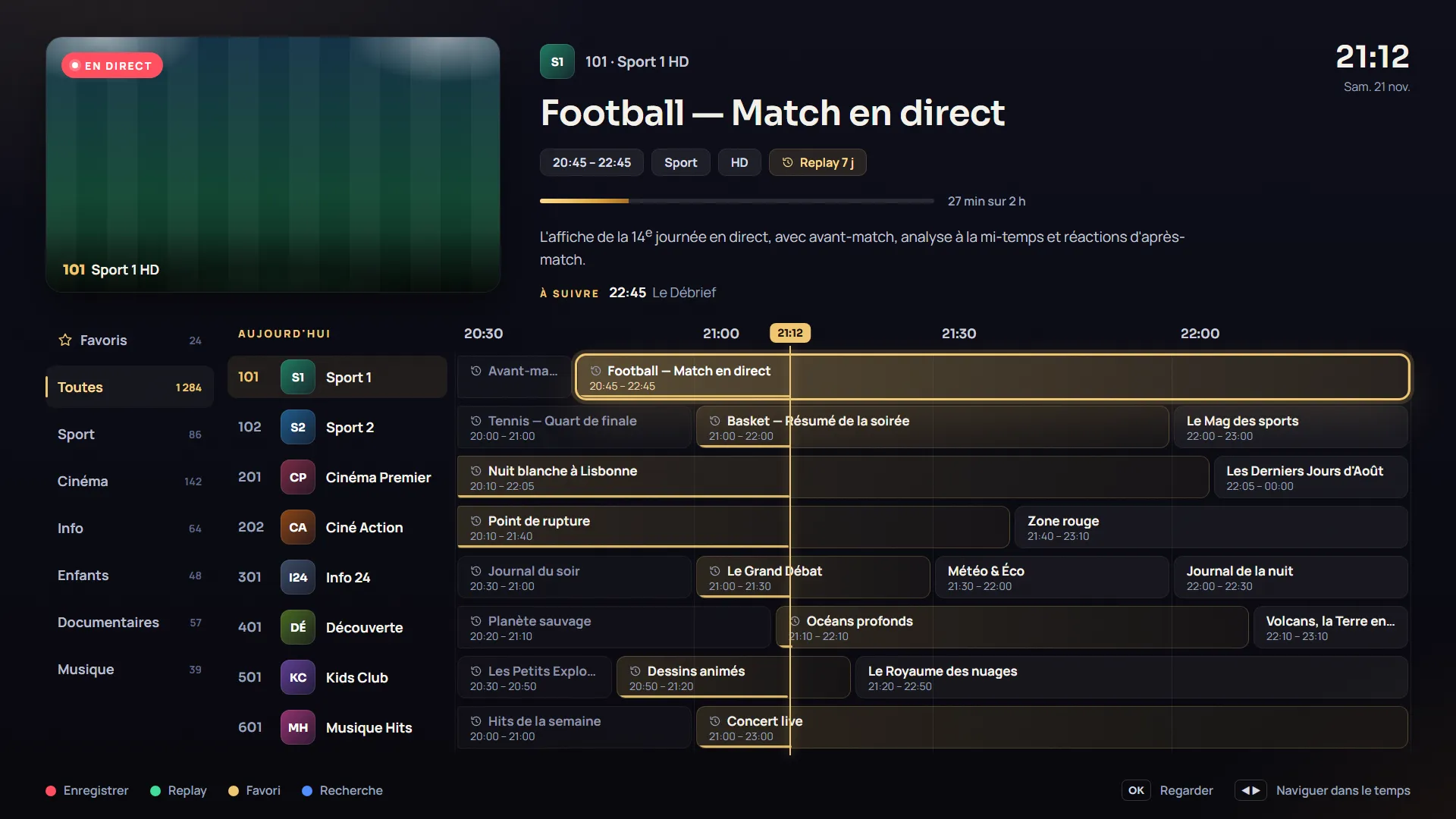
The programme grid, what’s on now and what’s next, at a glance.
TV guide, catch-up, favorites, movies and series: Strong8k Player plays your Xtream or M3U playlists on your TV, phone and tablet. Add your playlist from your phone, with nothing to type on the remote.
Features
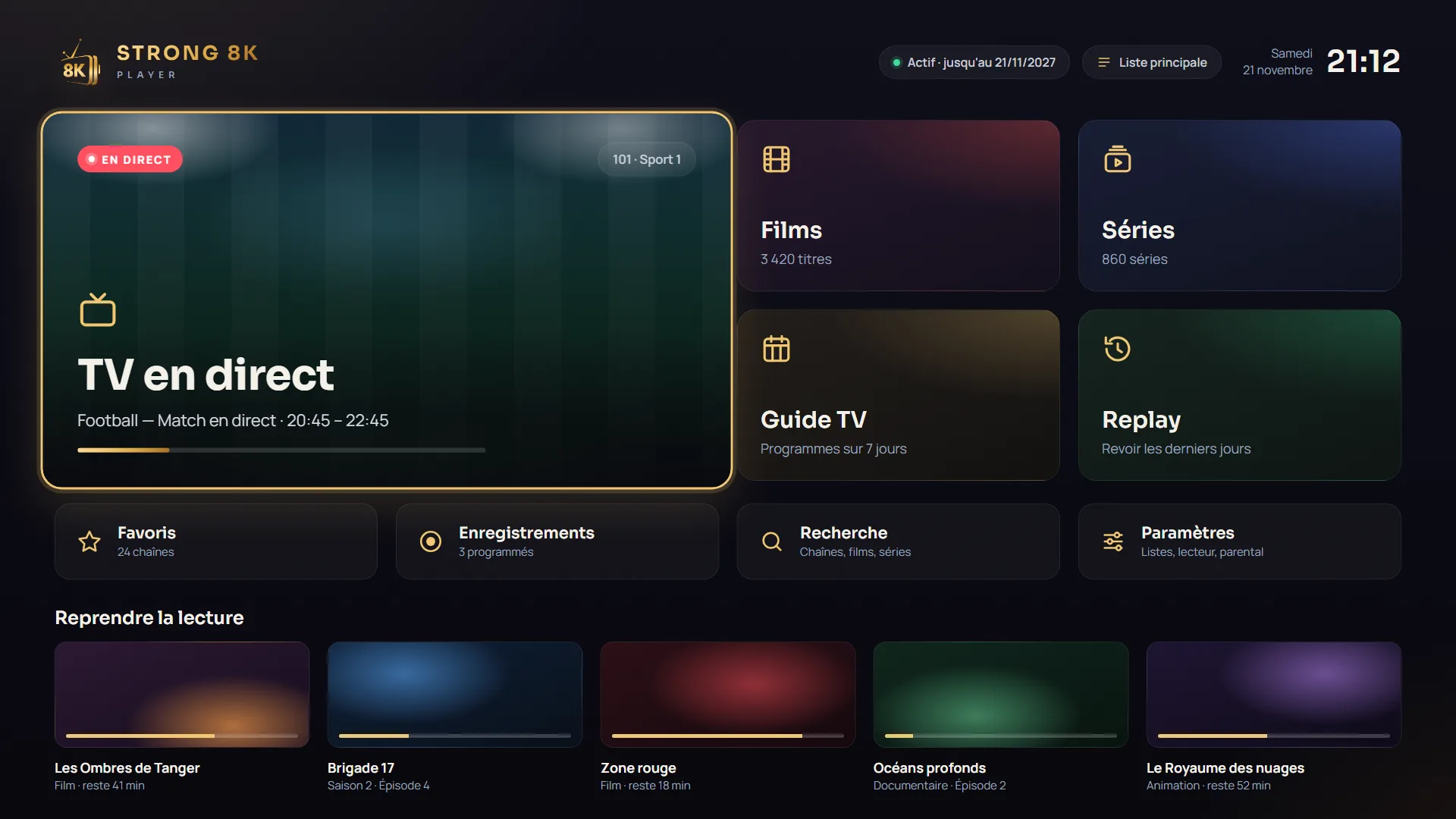
A clean interface made for the couch: you always know where you are, and every feature is two clicks of the remote away.
The programme grid, what’s on now and what’s next, at a glance.
Xtream Codes or M3U: add up to 10 playlists and switch in one click.
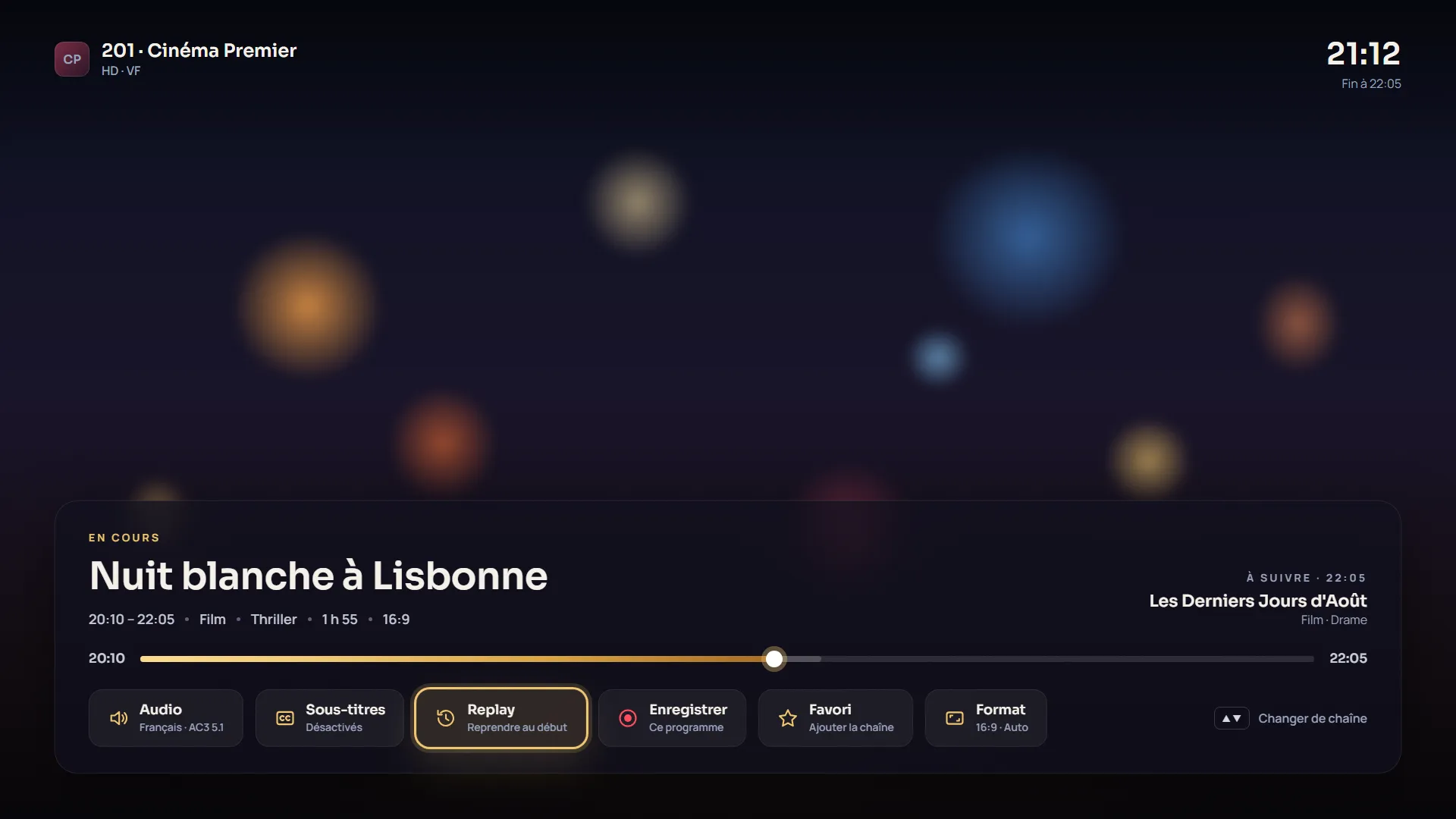
Restart a programme from the beginning or watch the last few days, when your playlist supports it.
Group your favourite channels and keep them at the top, in the order you like.
A PIN code to lock the categories or playlists you choose.
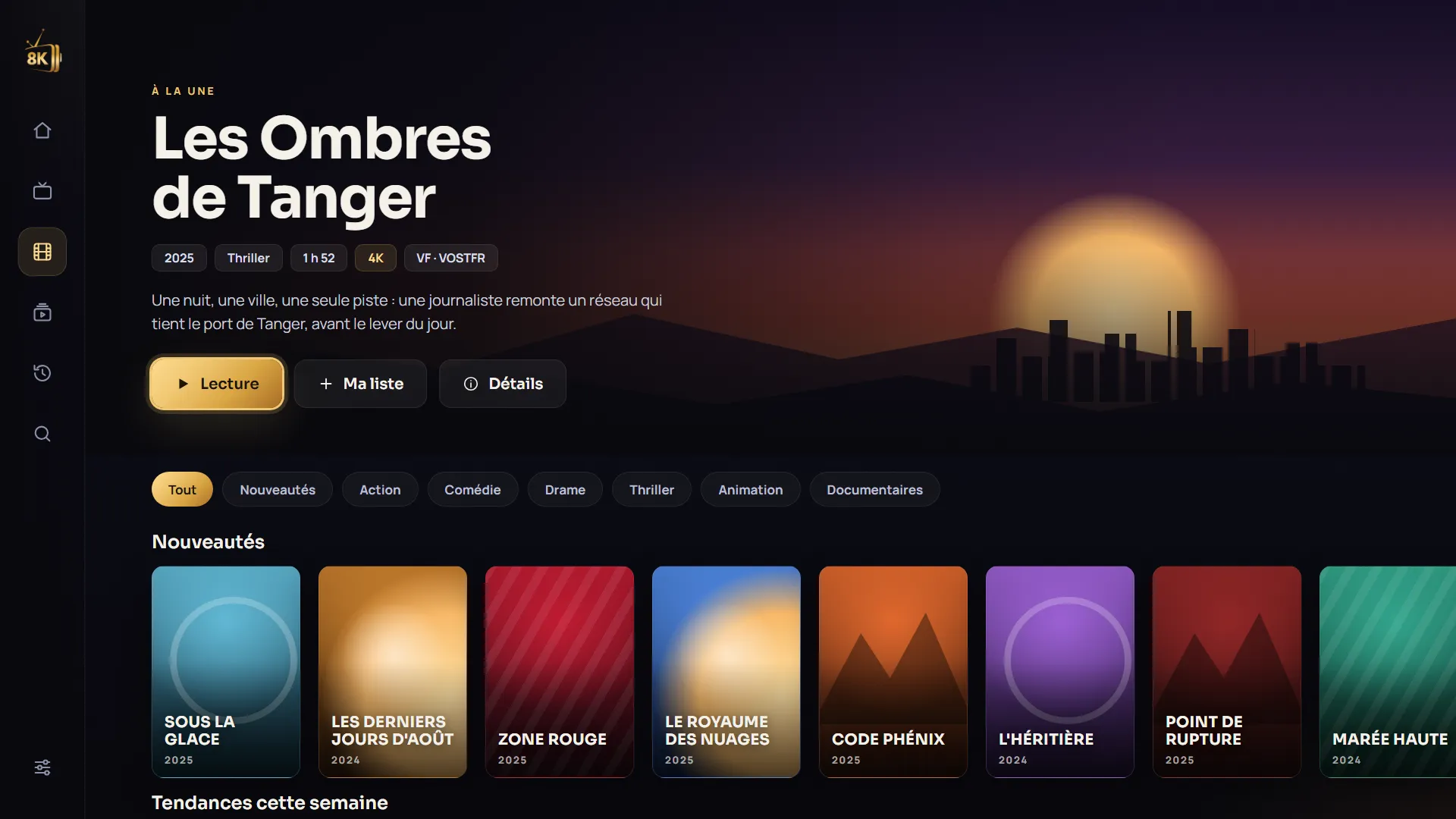
Browse your playlist’s catalogue and resume where you left off.
The same app on your TV, Android phone and tablet, with a layout made for each screen.
D-pad navigation, the selected item always visible, text readable from the couch.
Preview
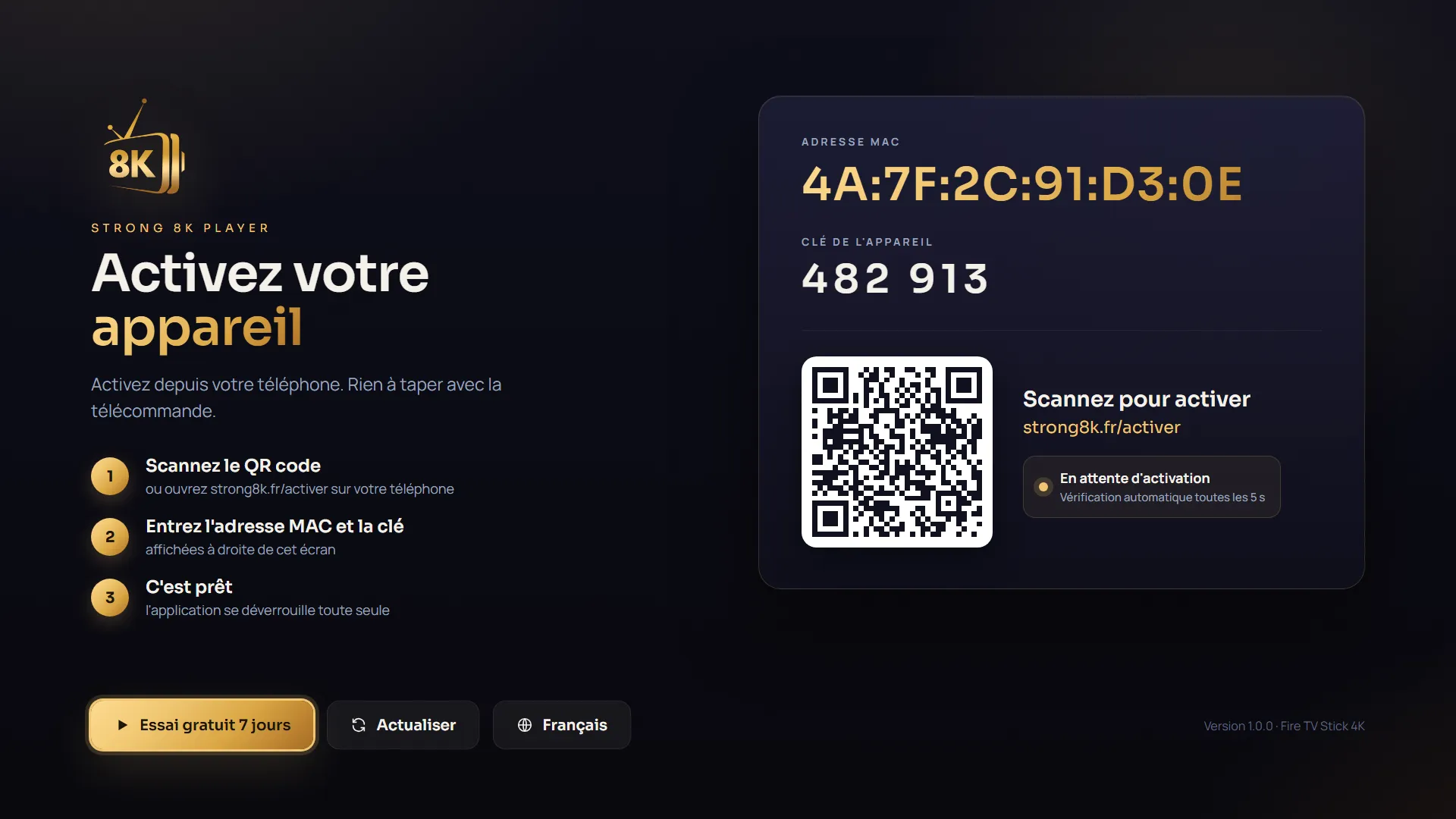
How it works
On Fire TV Stick with the Downloader app, or from Google Play on Android TV, Google TV, phones and tablets.
Scan the QR code on the TV, or tap “Add my playlist” in the app on your phone. The playlist reaches the app within seconds.
Enjoy the 7-day free trial, then activate your device for one year or for life.
Works on
Android 7.0 or later.
Pricing
Activation is per device. After your request you receive a payment link by email, and the device is activated as soon as payment arrives.
€0
7 days
€9.99
per device
€19.99
per device, one time
No. Strong8k Player is a player: it plays the playlist you add (Xtream Codes or M3U). No channels or content are provided. Only use playlists you have the right to watch.
They appear on the app screen on first launch, with a QR code. You can also find them later in the app settings.
Fire TV Stick, Android TV, Google TV, Android boxes, Android phones and tablets, from Android 7.0.
The trial starts on the app’s first launch and lasts 7 days with every feature. No card is required.
Send your request from the “Add my playlist” page. We email you a payment link, and the device is activated as soon as payment arrives.
On the same device the MAC address stays the same: just confirm with the new key shown. For another device, contact us to transfer your activation.
Your playlists are encrypted on our servers and only sent to your device. The website never shows your password in clear text.

7 days with every feature. Install the app, add your playlist, done.